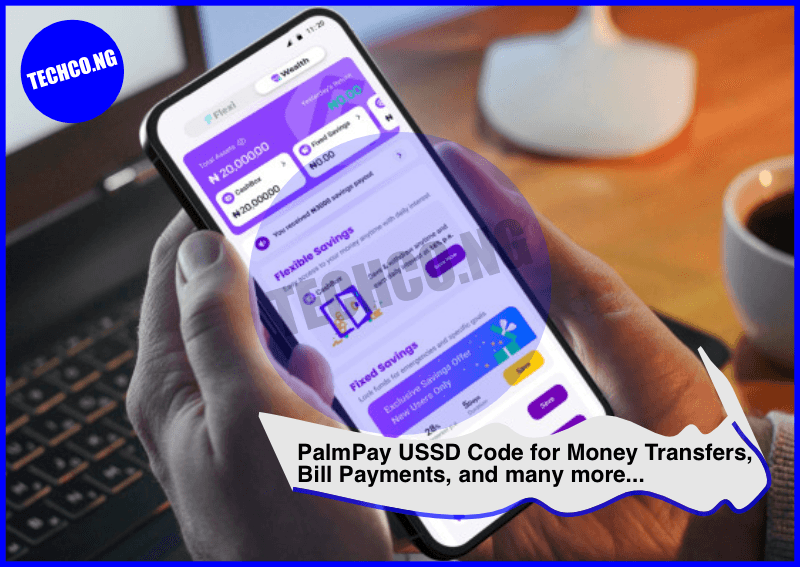
PalmPay USSD Code – PalmPay is a popular mobile payment platform that offers a wide range of financial services to users in Nigeria. With a focus on convenience and accessibility, PalmPay allows users to carry out financial transactions directly from their mobile phones.
In this blog post, we will explore how to use the PalmPay USSD code, the benefits of using it, and more.
Quick Facts About PalmPay USSD Code
| Category | Details |
|---|---|
| USSD Code | *347# |
| Supported Networks | All Nigerian networks (MTN, Airtel, Glo, 9mobile) |
| Account Creation | Available via USSD, mobile app, or website |
| Supported Services | Bill payments, money transfer, airtime recharge, etc. |
| Registration | Free and easy through the mobile app or USSD |
Introduction to PalmPay and USSD Codes
PalmPay is an innovative mobile payment solution that makes it easy for users to send and receive money, pay bills, purchase airtime, and perform other financial activities without needing an internet connection. While PalmPay has an app available for smartphones, the USSD code (*347#) provides an alternative method for users who may not have access to a smartphone or mobile data.
The USSD code *347# is available on all Nigerian mobile networks, including MTN, Airtel, Glo, and 9mobile. This makes PalmPay an inclusive platform, ensuring that more people can access its services, even without an internet connection.
How to Use PalmPay USSD Code
Using PalmPay’s USSD code is simple and convenient. Follow the steps below to begin making transactions:
- Registering on PalmPay via USSD
- Dial *347# on your mobile phone.
- Follow the on-screen prompts to create an account. You’ll be asked to provide basic information such as your full name and phone number.
- After registration, you’ll receive a confirmation message, and your account will be activated.
- Sending Money Using PalmPay USSD
- Dial *347# and select the option to send money.
- Enter the recipient’s phone number and the amount you wish to send.
- Confirm the transaction with your PIN or password.
- Airtime Recharge
- Dial *347# and select the airtime recharge option.
- Enter the amount you want to top up, followed by the recipient’s number.
- Confirm your transaction.
- Paying Bills
- Dial *347# and navigate to the bill payment section.
- Choose the type of bill you wish to pay (e.g., electricity, TV subscriptions, etc.).
- Enter the necessary details and confirm your payment.
- Checking Account Balance
- To check your PalmPay balance, dial *347# and select the balance inquiry option. Your current balance will be displayed.
- Transferring Money
- To transfer funds to another PalmPay user, dial *347#, select the transfer option, and follow the prompts to enter the recipient’s details and the amount.
Benefits of Using PalmPay USSD Code
PalmPay’s USSD code provides several advantages, particularly for those who do not have access to smartphones or stable internet connections:
- Accessibility: The USSD code is available on all major mobile networks in Nigeria, making it accessible to a larger audience, including feature phone users.
- No Internet Needed: Since the USSD code doesn’t require an internet connection, users can carry out transactions without data charges or internet availability.
- Security: Transactions made through the PalmPay USSD code are secured with a PIN or password, ensuring that your money is protected.
- Ease of Use: The process is simple and user-friendly, making it easy for anyone, even those with limited tech knowledge, to complete transactions.
- Multiple Services: The PalmPay USSD code offers a variety of services, including money transfers, airtime purchases, bill payments, and more.
PalmPay vs Other Payment Methods
While PalmPay’s USSD code is convenient, it’s important to consider it in comparison to other popular mobile payment methods. Here’s a breakdown of PalmPay’s USSD service versus traditional mobile banking and other payment services.
| Feature | PalmPay USSD | Traditional Mobile Banking | Other Mobile Payment Apps |
|---|---|---|---|
| Available on All Phones | Yes | No | No |
| Internet Required | No | Yes | Yes |
| Transaction Speed | Fast | Depends on the bank | Varies |
| Ease of Use | Easy | Varies | Easy |
| Service Variety | Money transfer, airtime, bill payments | Limited to banking services | Varies depending on the app |
PalmPay Registration Process
To get started with PalmPay, users can register via the USSD code or the PalmPay mobile app. Here’s how to register via the app:
- Download the PalmPay app from Google Play Store or Apple App Store.
- Open the app and follow the on-screen prompts to sign up.
- You’ll be asked to verify your phone number, create a PIN, and provide basic details such as your name.
- Once registered, you can start using PalmPay’s features immediately.
Frequently Asked Questions About PalmPay USSD Code
1. How do I register for PalmPay via USSD?
Dial *347# and follow the prompts to enter your details and complete your registration.
2. Is PalmPay available on all mobile networks?
Yes, PalmPay’s USSD code is available on all major Nigerian networks, including MTN, Airtel, Glo, and 9mobile.
3. Can I send money to someone who is not using PalmPay?
No, you can only send money to PalmPay users. Both sender and receiver need to have PalmPay accounts.
4. Are PalmPay transactions safe?
Yes, PalmPay uses security measures like PIN protection to ensure your transactions are secure.
5. How do I check my PalmPay balance?
Dial *347# and select the balance inquiry option to view your available balance.
Conclusion
PalmPay’s USSD code provides a fast, secure, and accessible way for Nigerians to manage their finances from any mobile device. Whether you’re sending money, paying bills, or purchasing airtime, the USSD service offers all of PalmPay’s features without the need for an internet connection. With its user-friendly interface and security features, PalmPay is becoming one of the most reliable mobile payment solutions in Nigeria.